txbridge Bluetooth setup
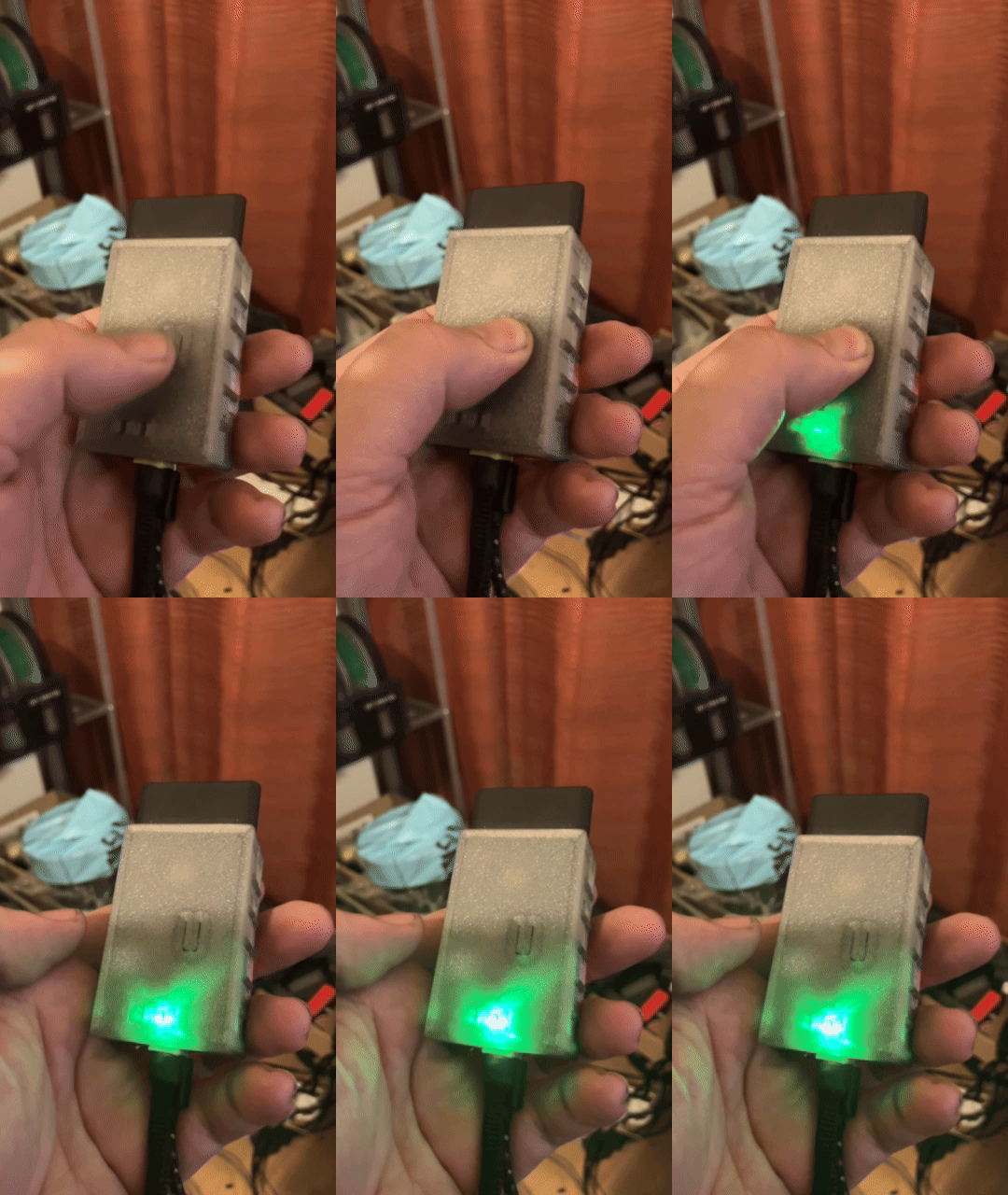
Put the device in pairing mode
This is done by holding the button 2 seconds and can be done when plugged in to either USB-C power or the OBD connector
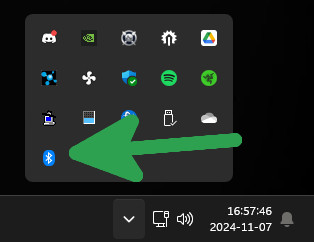
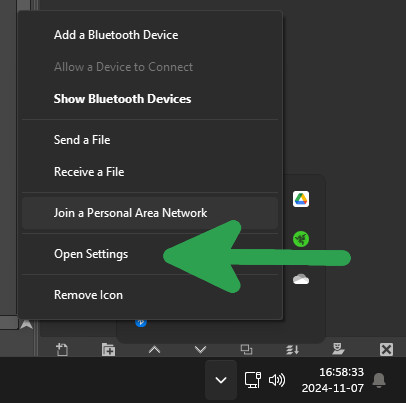
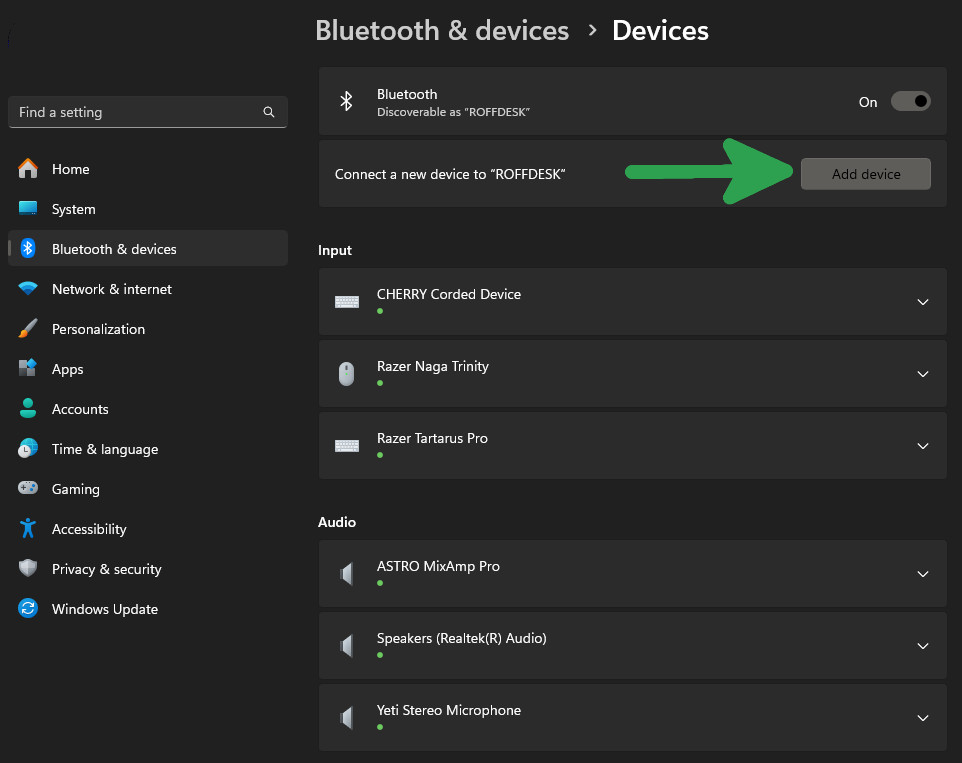
1. Open Bluetooth settings
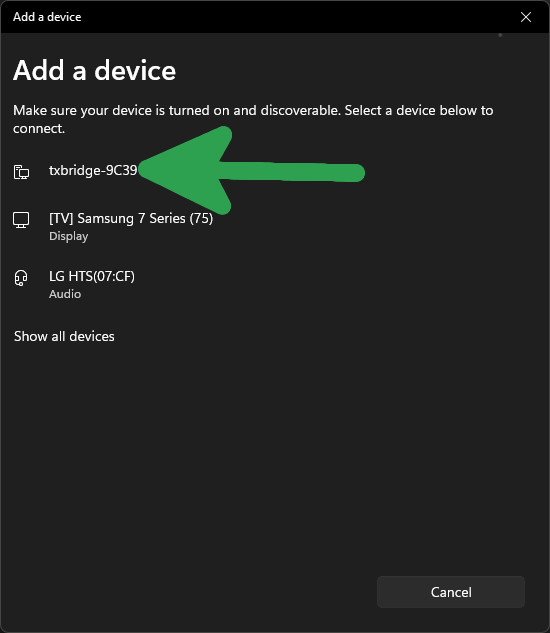
2. Press Add device
3. Add Bluetooth device
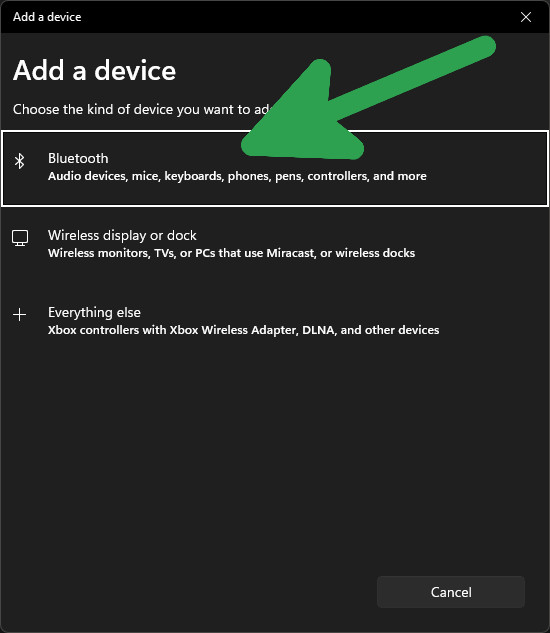
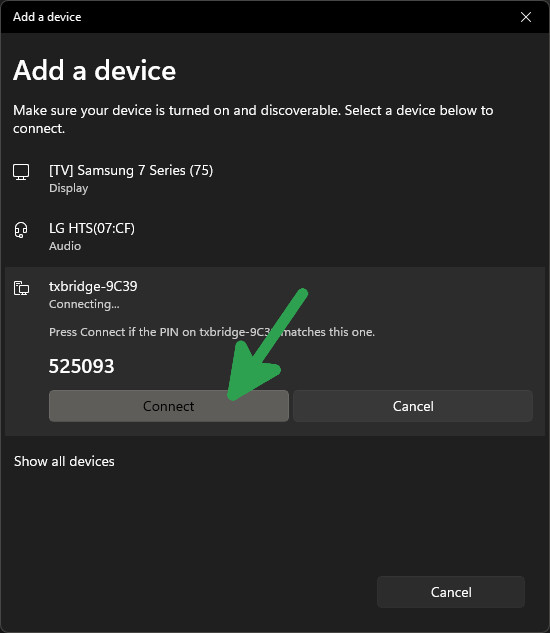
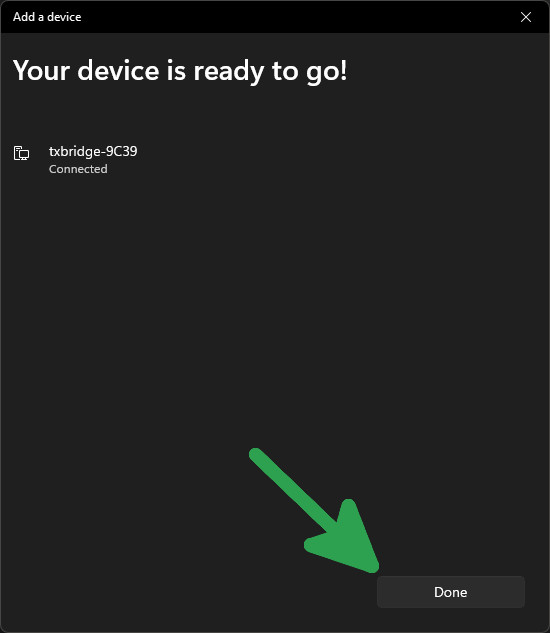
4. Select txbridge & press Done
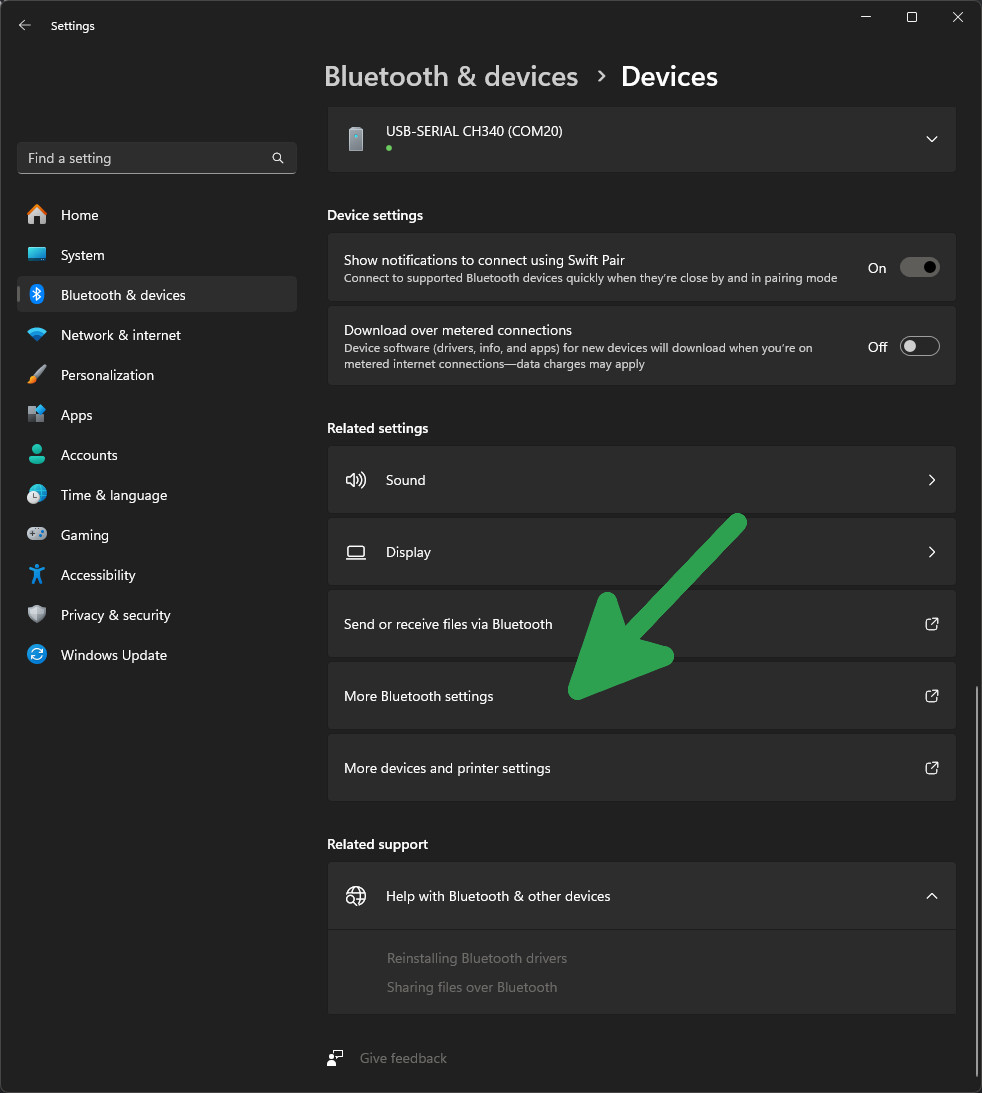
5. Find "More Bluetooth settings" and click it
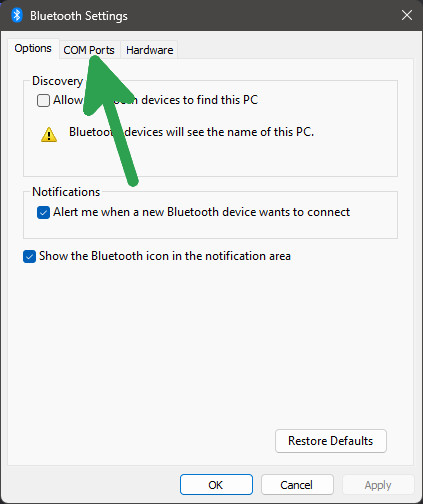
6. Select the COM Ports tab
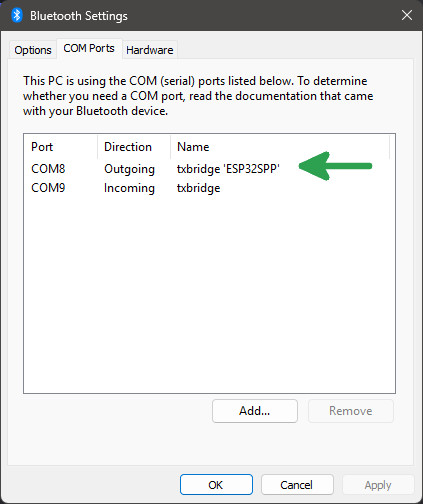
7. Remember the Outgoing COM port number
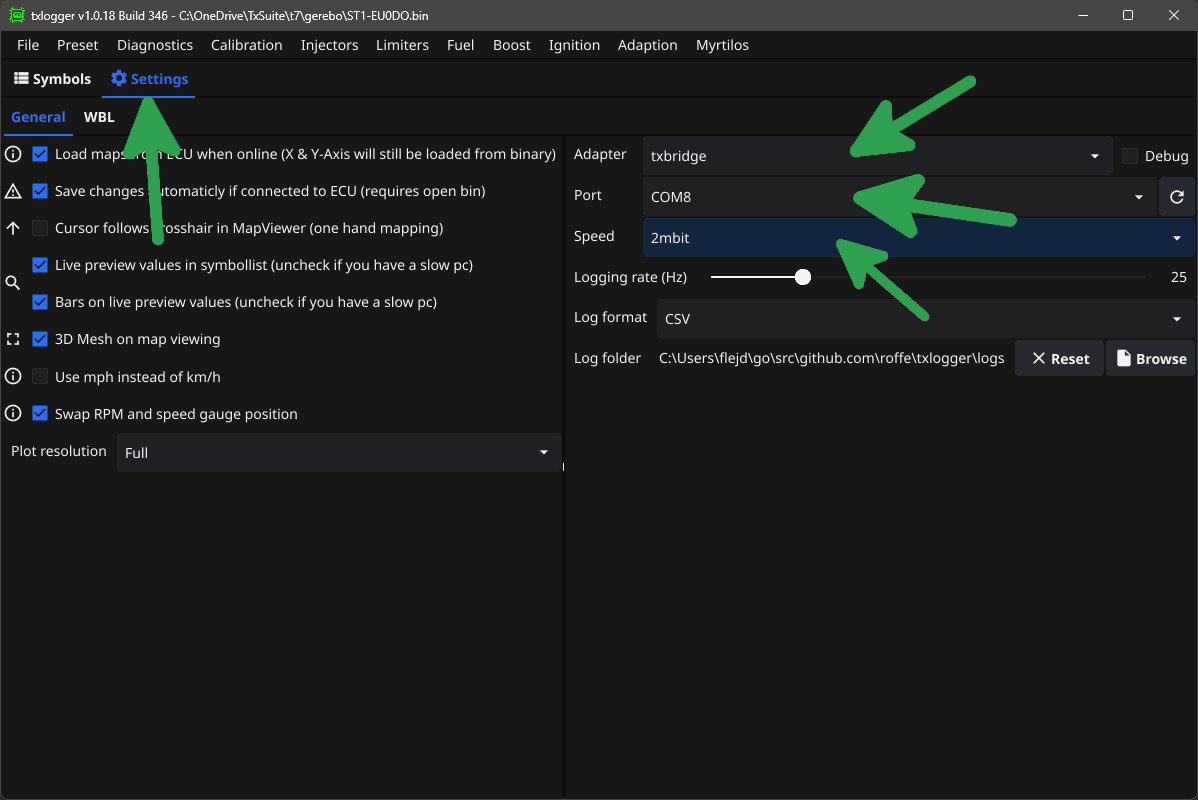
8. Configure txlogger
- Click on the settings tab
- Select "txbridge" as adapter
- Select the "Outgoing COM port" from the Bluetooth settings
- Select 2mbit speed